

Terraform from AI’s Perspective
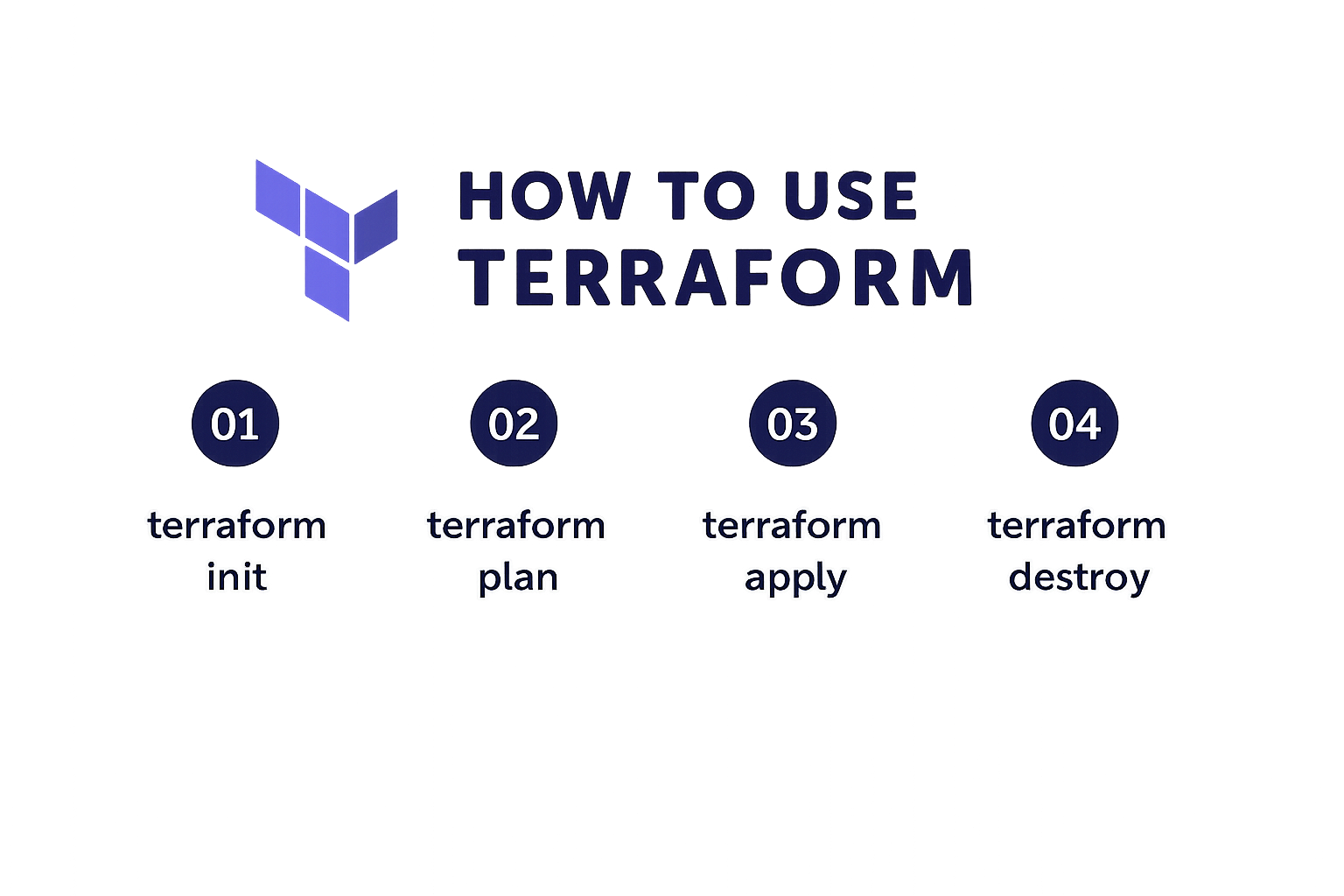
Terraform Easy but not Complete
I asked copilot to Write me a terraform how to: and it produced the following code. I’m impressed but at the same time know it’s just a basic implementation. If you need help with something more geared toward your company reach out and I will be happy to help.
🌍 What is Terraform? Terraform is an Infrastructure as Code (IaC) tool that lets you define cloud resources (servers, networks, databases, etc.) in declarative configuration files. You can then provision, update, and destroy them consistently across providers like AWS, Azure, GCP, and more.
🛠 Step 1: Install Terraform
- Go to Terraform downloads
- Install for your OS (Windows, macOS, Linux).
- Verify installation:
terraform -v📂 Step 2: Create a Project Directory
mkdir terraform-demo
cd terraform-demo
📜 Step 3: Write Your First Configuration Example: Provision an AWS EC2 instance.
- Provider block (tells Terraform which cloud to use):
provider "aws" {
  region = "us-west-2"
}- Resource block (defines infrastructure):
resource "aws_instance" "example" {
  ami           = "ami-0c55b159cbfafe1f0" # Amazon Linux 2 AMI
  instance_type = "t2.micro"

  tags = {
    Name = "TerraformDemo"
  }
}
Save this as main.tf.
▶️ Step 4: Initialize Terraform
terraform init- Downloads provider plugins (AWS in this case).
🔍 Step 5: Preview the Plan
terraform plan- Shows what Terraform will create, change, or destroy.
🚀 Step 6: Apply the Configuration
terraform apply- Type yes when prompted.
- Terraform provisions the EC2 instance.
🧹 Step 7: Destroy Resources When you’re done:
terraform destroy📌 Best Practices
- Use variables: Store values like AMI IDs in variables.tf.
- Use state files carefully: Terraform keeps track of resources in terraform.tfstate.
- Version control: Keep configs in Git.
- Modules: Reuse code for repeatable infrastructure patterns.
Ok now what? The results assume you know a bit about terraform. You can spend many hours back and forth with AI to try to figure out what’s next. The reality is, none of this is specific to your business or processes.
If you need assistance with figuring out what’s next, reach out and let’s talk.